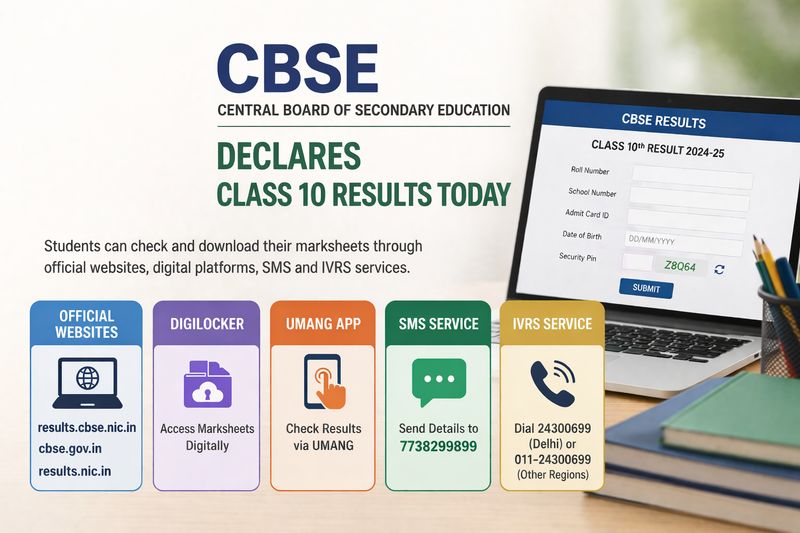

The Central Board of Secondary Education has declared the Class 10 board results today. Students can check and download their marksheets through official websites such as results.cbse.nic.in, cbse.gov.in and results.nic.in, as well as digital platforms like DigiLocker and UMANG, along with SMS and IVRS services.Related News: CBSE class 10 exam results declaredOn the official websites, students will need to enter their roll number, school number, admit card ID, date of birth and the security pin to access their results.Due to heavy traffic, these websites may respond slowly. Students are therefore advised to keep their credentials ready and try alternative platforms if needed.School officials said that multiple platforms will help reduce dependency on a single website.Rachna Monga, principal of a CBSE-affiliated school in Jalandhar, said, “This is the first time CBSE has enabled multiple options for checking results as soon as they are declared. Earlier, students could access their marksheets on DigiLocker only after the announcement, but now they will be able to check their results live on the platform as well.”Harmeet Waraich, a CBSE coordinator in Ludhiana, said, “Students can check their results on these portals through a simple login using their roll number and other details. While CBSE results on DigiLocker were available earlier too, this is the first time the board is offering such expanded access at the time of result declaration.”DigiLocker will provide students with digitally signed marksheets. Those who have their APAAR IDs linked with CBSE records will receive their marksheets directly under the ‘Issued Documents’ section. Students without APAAR IDs can register using their school code, roll number and the access code shared by their schools. The platform allows students to download and store their marksheets for future use.The UMANG app and website offer another option for checking results. After registering with a mobile number, students can select the CBSE service, choose Class 10 results, and enter their roll number and other required details to view their marks.For students with limited internet access, CBSE has enabled result checking through SMS. Students can send their details in the prescribed format, including roll number, school code and centre number, to 7738299899. The result will be delivered directly to their mobile phones.Additionally, the Interactive Voice Response System (IVRS) allows students to access their results through a phone call. Students in Delhi can dial 24300699, while those in other regions can call 011-24300699 to receive their marks through an automated voice system.The Class 10 examinations this year were conducted from February 17 to March 11 in a single shift from 10 am to 1.30 pm.